SHT2000 Temperature Humidity Hygrometer Thermostat Controller AC 110-230V
Specifics:
Condition: 100% Brand New
Product name: Intelligent temperature and humidity controller
Product Model: SHT-2000
Temperature measurement range: -20-60℃
Humidity measurement range: 0-110%RH
Power supply voltage: AC110-230V
Power frequency: 50/60HZ
Temperature measurement accuracy: 0.3℃
Humidity measurement accuracy: 3%
Output Control: MAX10A
Setting method: Start value
Heating/cooling mode setting
Setting mode: setting (starting temperature): Press and hold the ▲ button to start the temperature flashing. Use ▲▼ key to set the starting temperature value.
Setting (stop temperature): Press and hold the ▼ button to stop the temperature flashing. Use ▲▼ to set the stop temperature value.
Heating use case: control the water heater, heat to 65 ° C to stop, the temperature drops back to 50 ° C and start heating again
The first step: heating mode, starting temperature
Step 3: Press and hold the ▼ button to stop the temperature flashing. Set the stop temperature to 65 °C with ▲▼ keys, and the setting is completed!
Refrigeration use case: use in the farm, the fan is ventilated to 26 ° C to stop, the temperature is raised to 30 ° C and the ventilation is started again.
The first step: cooling mode, starting temperature > stop temperature
Step 2: Press and hold the ▲ button to start the temperature flashing. Use ▲▼ to set the starting temperature to 30 °C.
The third step: long press the ▼ button to stop the temperature flashing, set the stop temperature to 26 °C by ▲▼, the setting is completed!
Humidification/Dehumidification Mode Settings:
Setting (start humidity): Press and hold △ key to start the humidity value flashing. Set the humidity value by △ ▽ key. Set
[Stop Humidity]: Press and hold △ key to stop the humidity value flashing, and set the humidity to stop by △ ▽ key value.
Humidification example: fresh supermarket humidification, control humidifier 50% RH began to humidify, humidified to 80% RH to stop humidification. Setup steps:
Step 1: Press and hold the △ button for 3 seconds to start the humidity value flashing, and set the starting humidity value to 50% RH.
Step 2: Press and hold the ▽ button for 3 seconds to stop the humidity value flashing. Set the value to 80% RH. After the setting is completed, the button will be operated for 5 seconds without returning to the normal display state.
Dehumidification example: workshop control exhaust dehumidification system, humidity 70% RH starts dehumidification, humidity 40% RH stops dehumidification
Setup steps:
Step 1: Press and hold the △ button for 3 seconds to start the humidity value flashing, and set the starting humidity value to 40% RH.
Step 2: Press and hold the ▽ button for 3 seconds to stop the humidity value flashing, set the value to 70% RH, the setting is completed, the button does not operate for 5 seconds, and automatically returns to the normal display state.
Note:
1.Please allow 1-3mm difference due to manual measurement.
2.Due to the different monitor and light effect, the actual color of the item might be slightly different from the color showed on the pictures. Thank you!
Package Included:
1 x Temperature Controller.
Shipping Information:
Free Quick Shipping to USA.
Estimated Time of Arrival: within 3-8 working days.
Warranty:
1.Customers have the right to request a return within 60 days from the date of product receipt.
2.At Itopteng, we offer prompt customer service to assist with product usage inquiries and facilitate returns or refunds.
SHT2000 Temperature Humidity Hygrometer Thermostat Controller AC 110-230V
Specifics:
Condition: 100% Brand New
Product name: Intelligent temperature and humidity controller
Product Model: SHT-2000
Temperature measurement range: -20-60℃
Humidity measurement range: 0-110%RH
Power supply voltage: AC110-230V
Power frequency: 50/60HZ
Temperature measurement accuracy: 0.3℃
Humidity measurement accuracy: 3%
Output Control: MAX10A
Setting method: Start value
Heating/cooling mode setting
Setting mode: setting (starting temperature): Press and hold the ▲ button to start the temperature flashing. Use ▲▼ key to set the starting temperature value.
Setting (stop temperature): Press and hold the ▼ button to stop the temperature flashing. Use ▲▼ to set the stop temperature value.
Heating use case: control the water heater, heat to 65 ° C to stop, the temperature drops back to 50 ° C and start heating again
The first step: heating mode, starting temperature
Step 3: Press and hold the ▼ button to stop the temperature flashing. Set the stop temperature to 65 °C with ▲▼ keys, and the setting is completed!
Refrigeration use case: use in the farm, the fan is ventilated to 26 ° C to stop, the temperature is raised to 30 ° C and the ventilation is started again.
The first step: cooling mode, starting temperature > stop temperature
Step 2: Press and hold the ▲ button to start the temperature flashing. Use ▲▼ to set the starting temperature to 30 °C.
The third step: long press the ▼ button to stop the temperature flashing, set the stop temperature to 26 °C by ▲▼, the setting is completed!
Humidification/Dehumidification Mode Settings:
Setting (start humidity): Press and hold △ key to start the humidity value flashing. Set the humidity value by △ ▽ key. Set
[Stop Humidity]: Press and hold △ key to stop the humidity value flashing, and set the humidity to stop by △ ▽ key value.
Humidification example: fresh supermarket humidification, control humidifier 50% RH began to humidify, humidified to 80% RH to stop humidification. Setup steps:
Step 1: Press and hold the △ button for 3 seconds to start the humidity value flashing, and set the starting humidity value to 50% RH.
Step 2: Press and hold the ▽ button for 3 seconds to stop the humidity value flashing. Set the value to 80% RH. After the setting is completed, the button will be operated for 5 seconds without returning to the normal display state.
Dehumidification example: workshop control exhaust dehumidification system, humidity 70% RH starts dehumidification, humidity 40% RH stops dehumidification
Setup steps:
Step 1: Press and hold the △ button for 3 seconds to start the humidity value flashing, and set the starting humidity value to 40% RH.
Step 2: Press and hold the ▽ button for 3 seconds to stop the humidity value flashing, set the value to 70% RH, the setting is completed, the button does not operate for 5 seconds, and automatically returns to the normal display state.
Note:
1.Please allow 1-3mm difference due to manual measurement.
2.Due to the different monitor and light effect, the actual color of the item might be slightly different from the color showed on the pictures. Thank you!
Package Included:
1 x Temperature Controller.
Shipping Information:
Free Quick Shipping to USA.
Estimated Time of Arrival: within 3-8 working days.
Warranty:
1.Customers have the right to request a return within 60 days from the date of product receipt.
2.At Itopteng, we offer prompt customer service to assist with product usage inquiries and facilitate returns or refunds.
This product has no reviews of its own. The merchant grouped it with related products, so the reviews shown are from across that group.
A
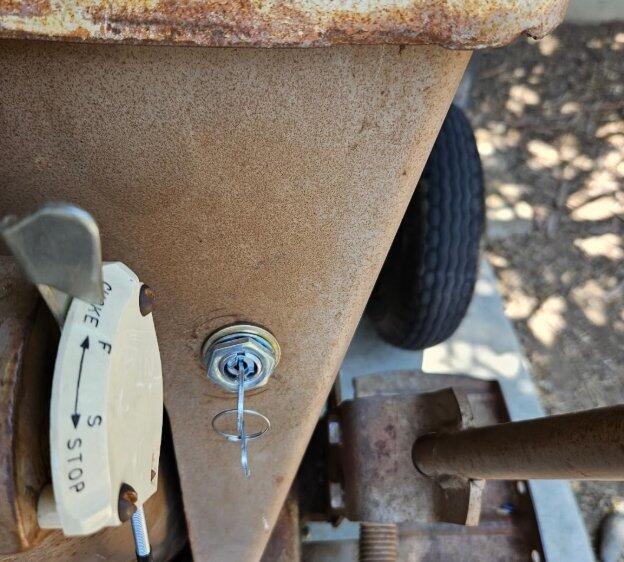
Bought this when my 1978 John Deere lawn mower starter quit working and it wa super easy to switch out. It was slightly bigger than the original opening so we had to drill a bigger hole. But overall worked great. Much cheaper than taking it into the dealership to have them change it out.
D
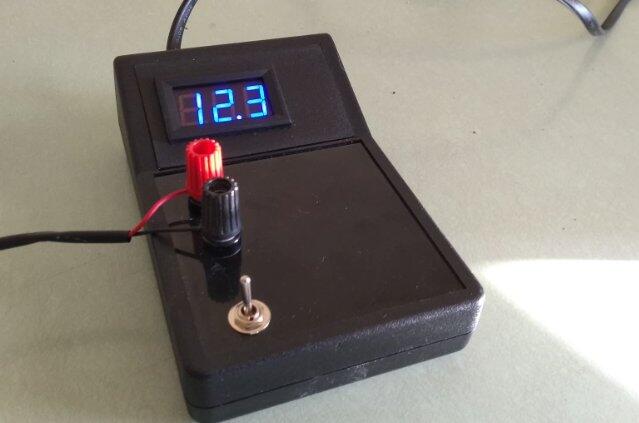
When I received the meters, I tested both and adjusted the calibration, easy to do. I installed one meter in a small power supply project, the second one hasn't been used yet but I know it works and is calibrated. Bright display, very satisfied.
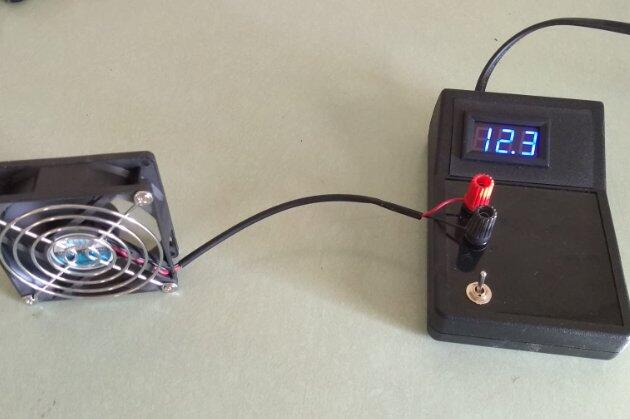
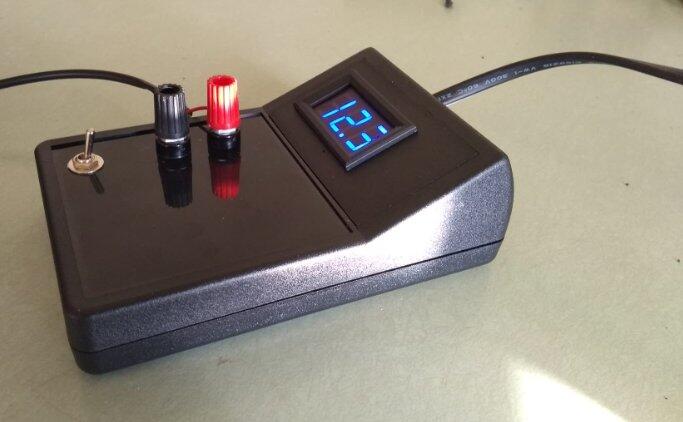
L
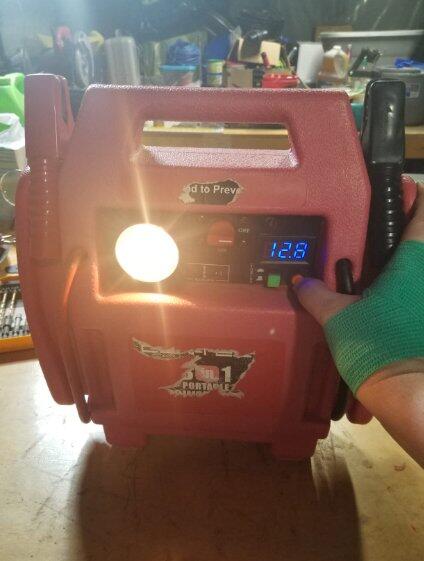
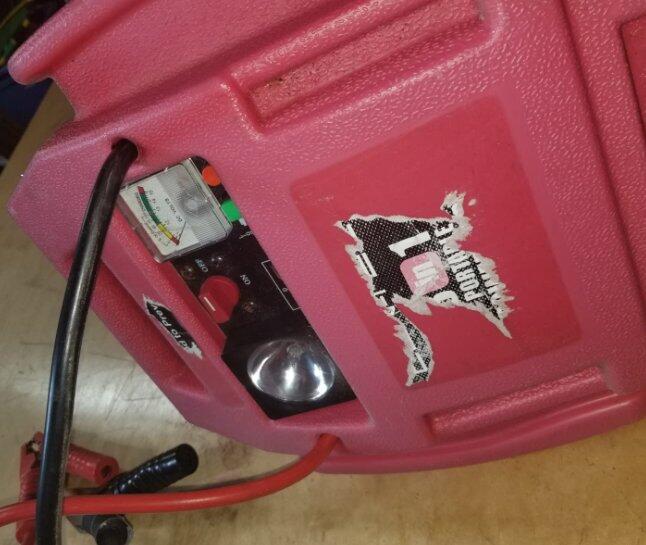
Worked perfectly you replace the old school analog meter in my jump starter with a nice new digital meter. Do be careful of the plastic LCD cover, it can crack easily if you are not careful. I was not careful... It works perfectly to keep an eye on the charge level of my jump starter and acts also as a car battery tester as when I turn on the jump start leads it instead checks the charge of what those are connected to.
K
Amazing . It was delivered the next day I ordered . Love it.
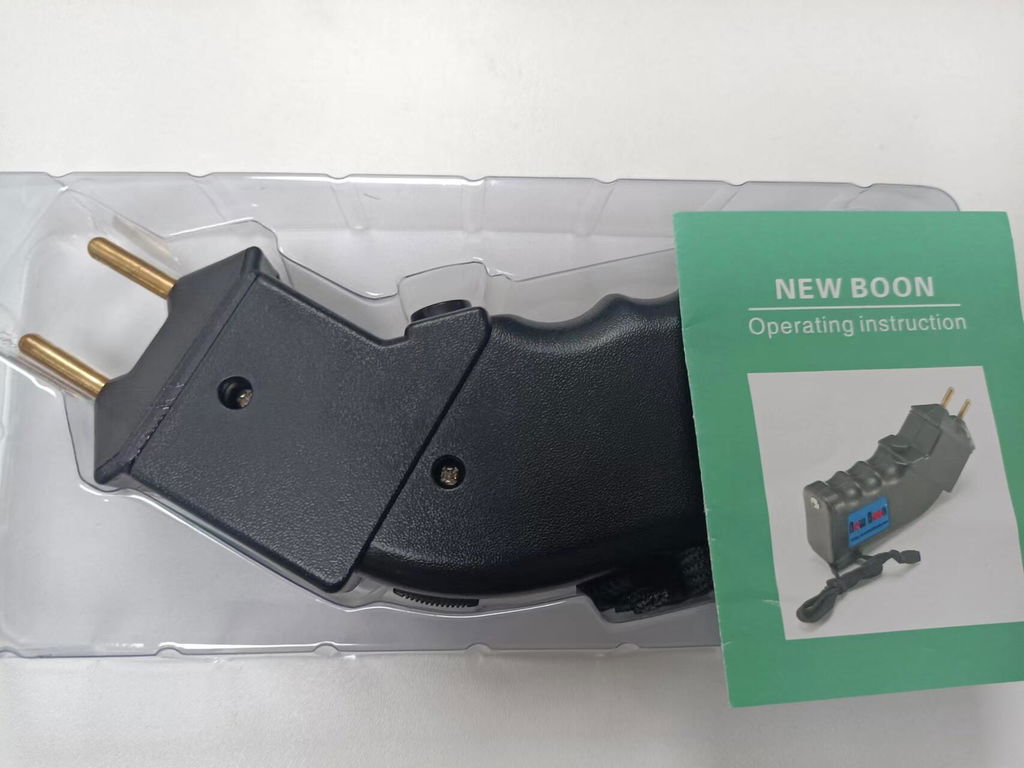
T
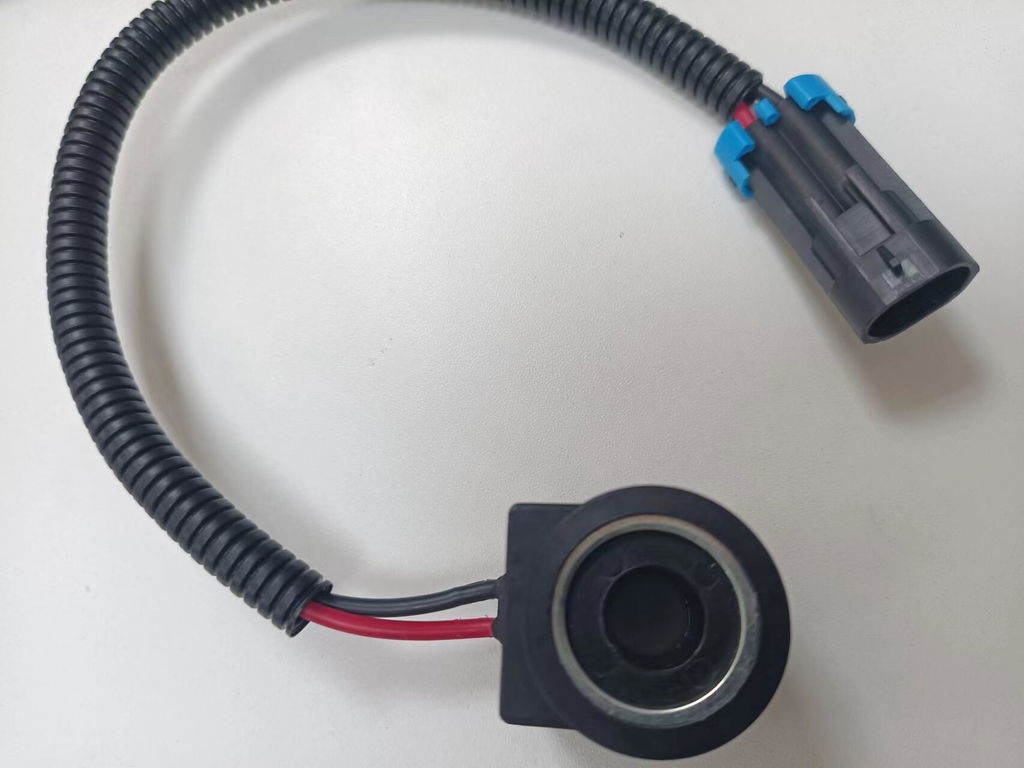
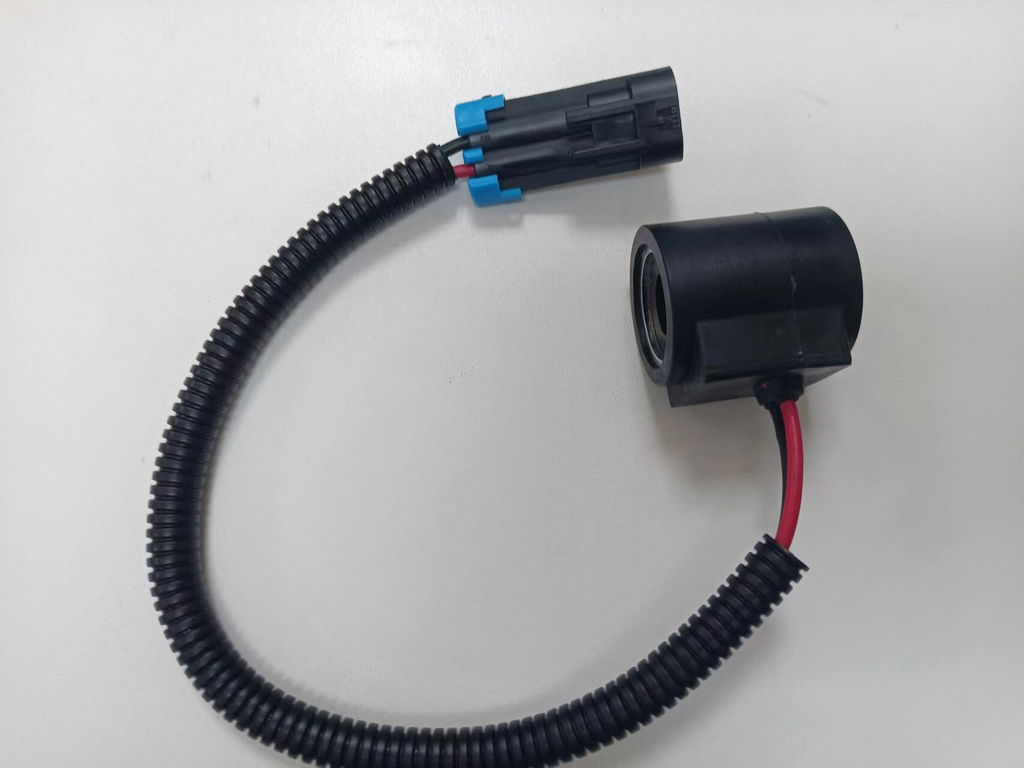
Perfect fit
M
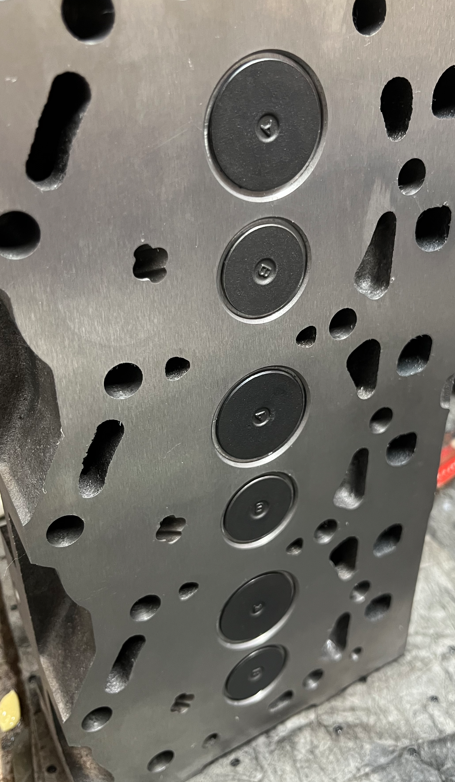
Fits perfectly and works flawlessly. Highly recommend!
J
Fits perfectly and performs excellently. Very pleased.
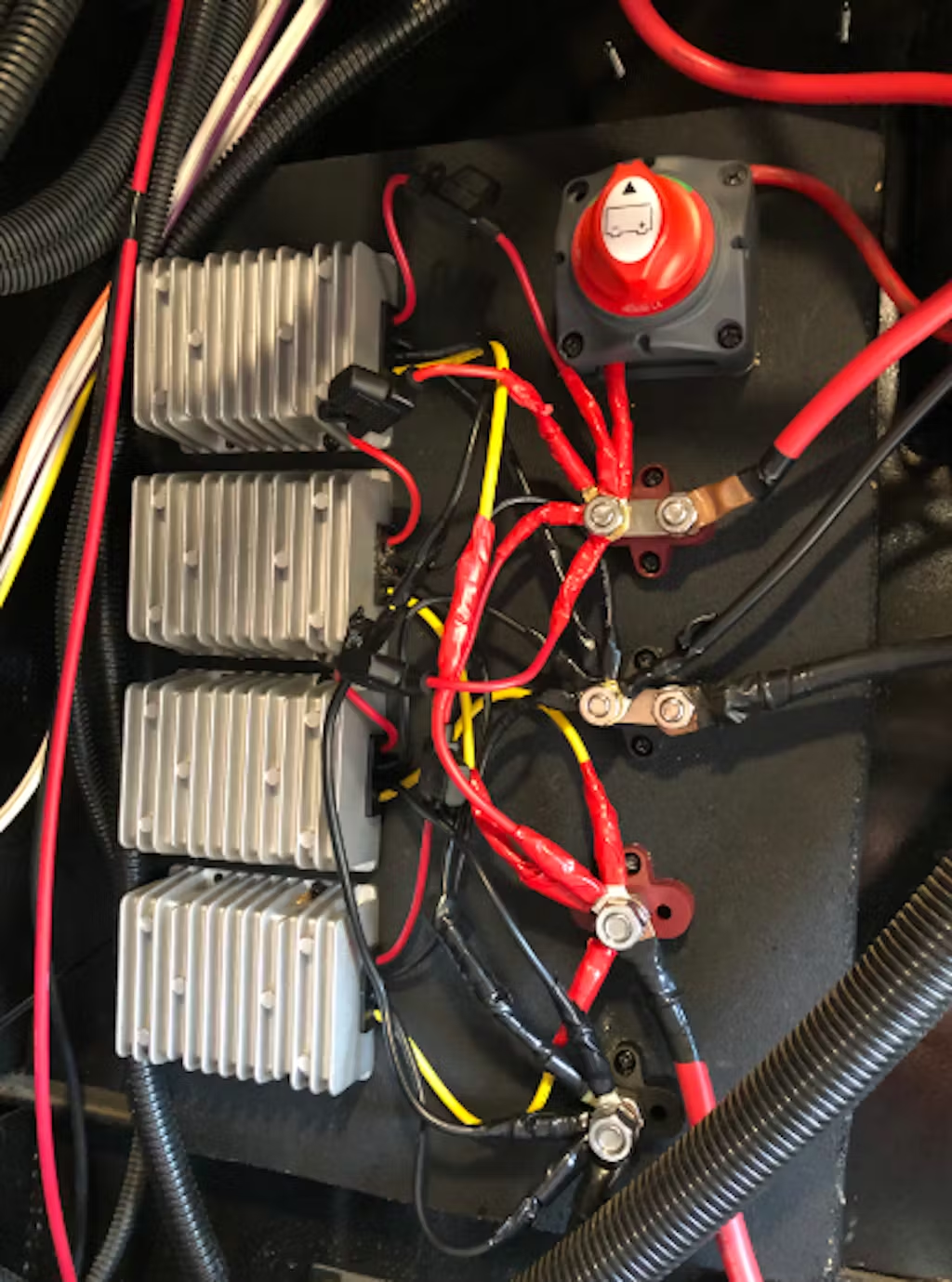
T
Nice item………thanks.
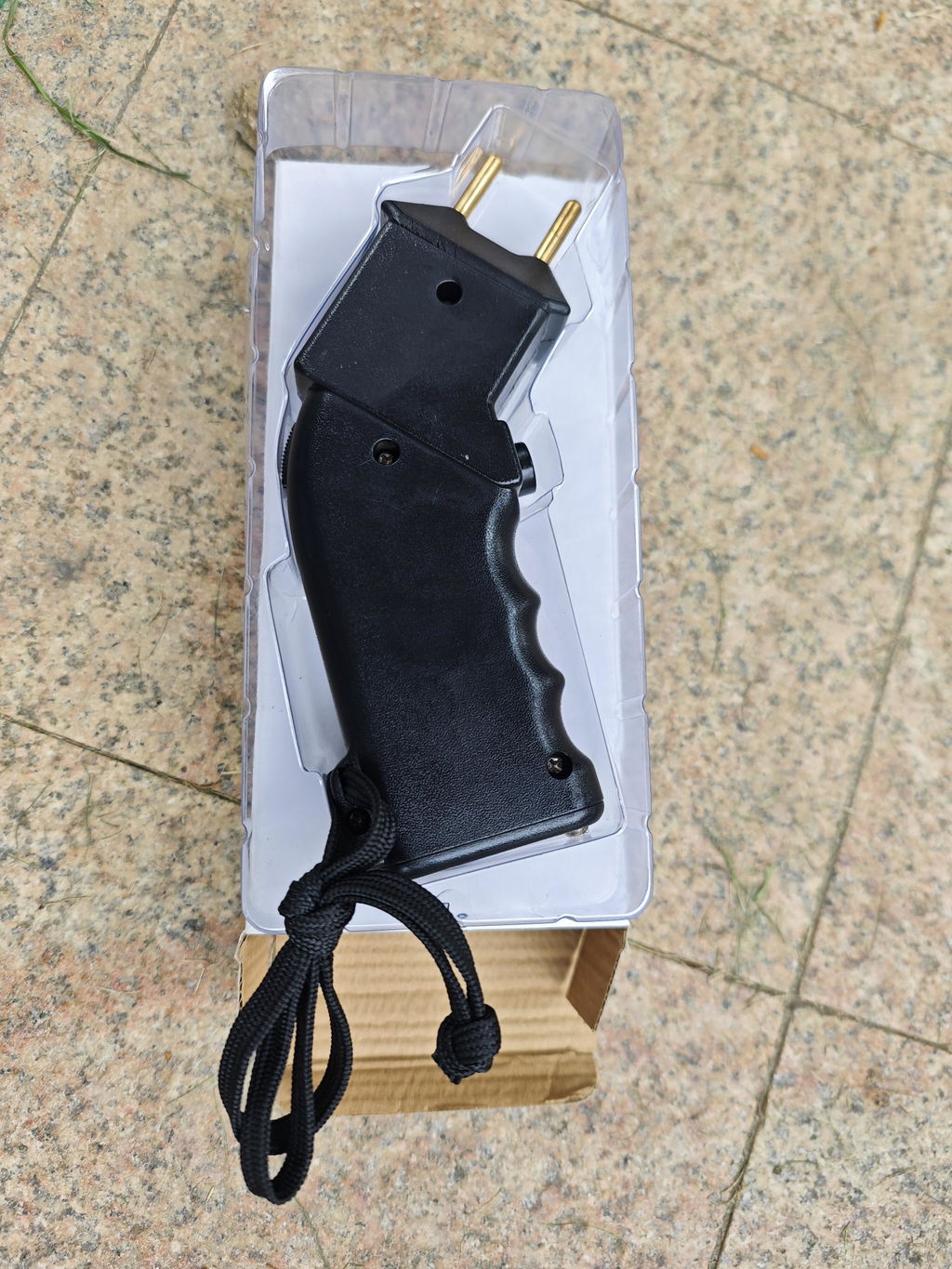
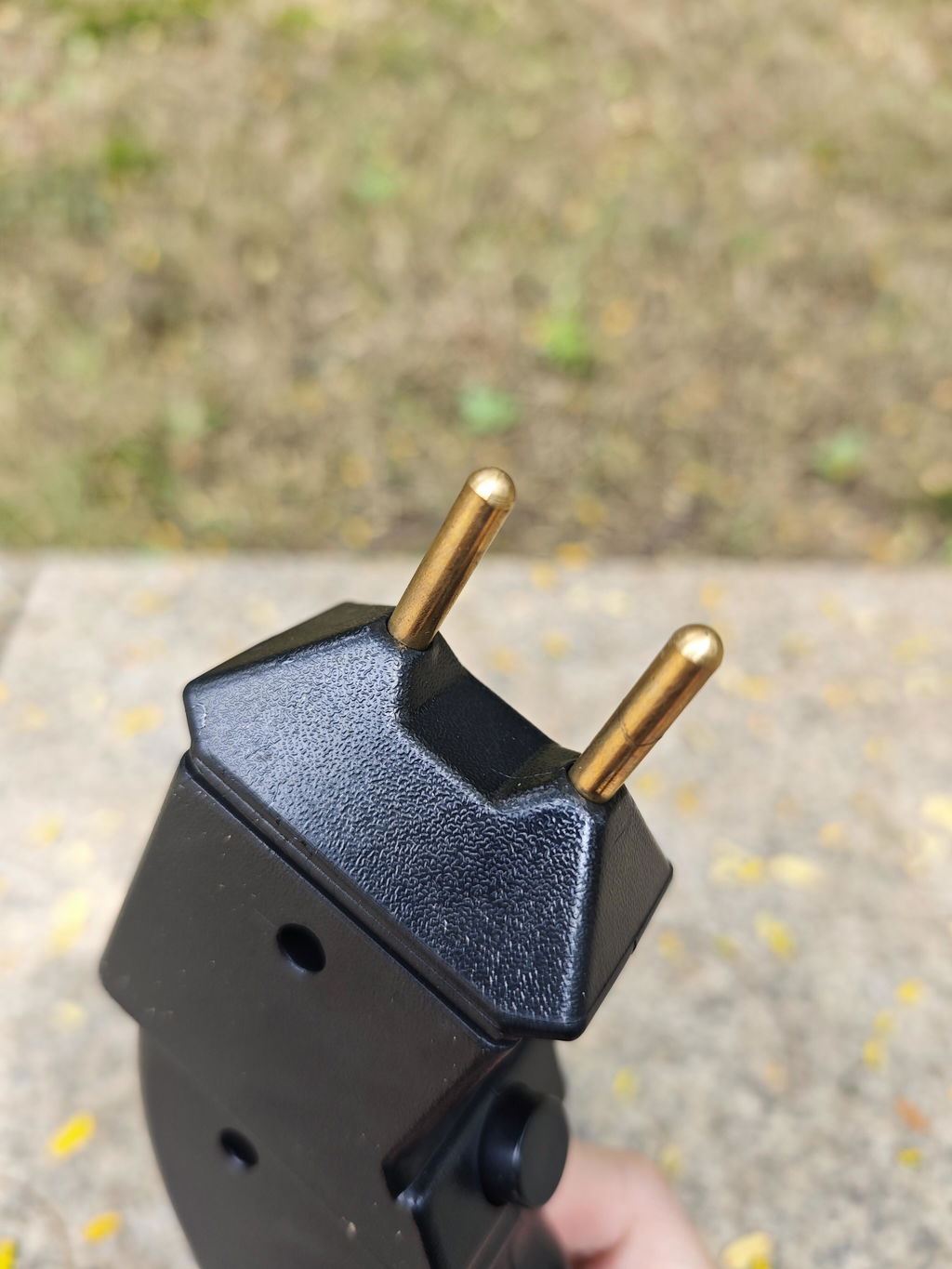
A
Perfect fit and very useful. Highly recommend.
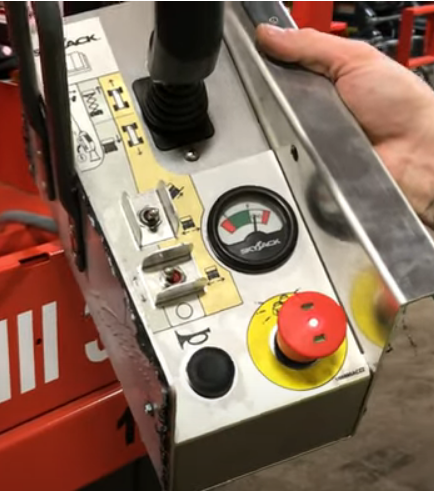
B
1st item didn't work, they send me a new one, very good communication answering my demands, very reliable seller recommend

A
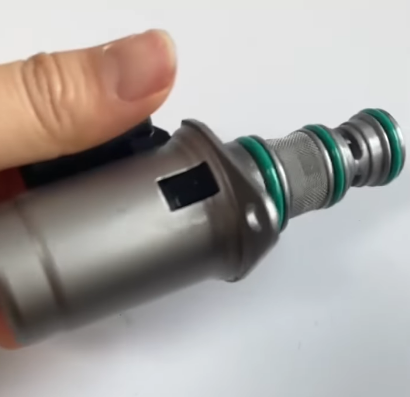
The transaction was seamless, the valve arrived quickly and appears well-made. It works perfectly. I'm very pleased and would recommend and purchase this product again.
A
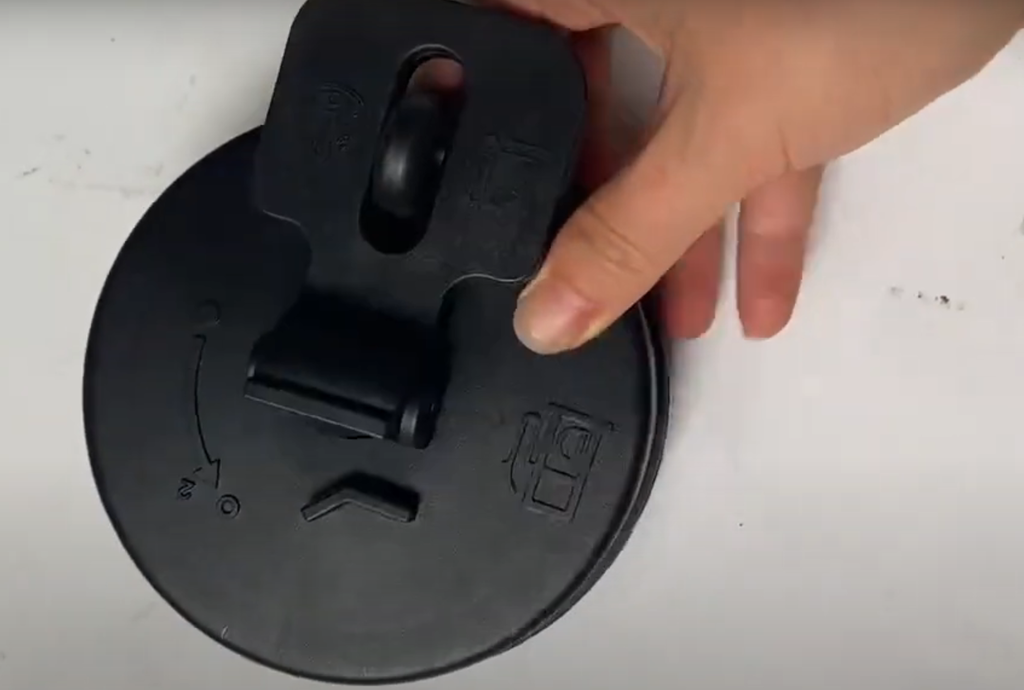
Looks good. Fast shipping.
A
This SV4401A Vector Network Analyzer exceeded my expectations. It's compact, user-friendly, and incredibly accurate. The touch screen is responsive, and the device handles a wide frequency range. The included accessories and sturdy build quality are great bonuses. Fast shipping and excellent service. Highly recommend!
A
Bought For teaching, useful. Thanks
A
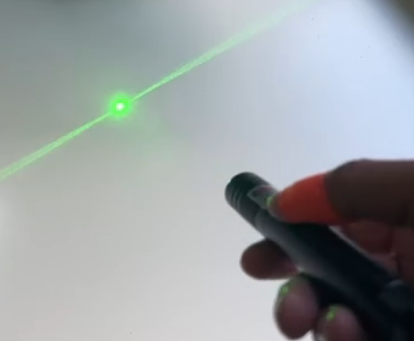
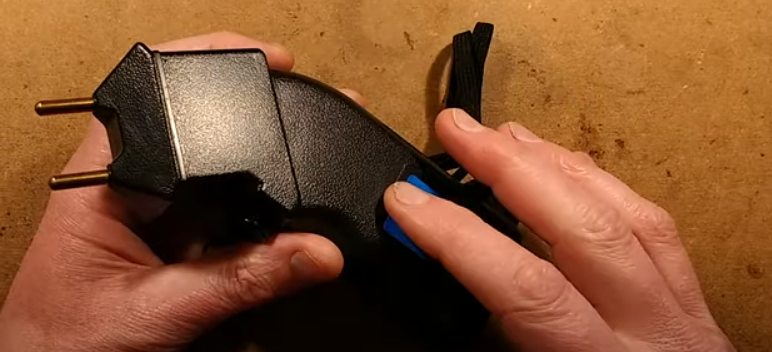
The product arrived promptly and was well-packaged with minimal waste. I purchased it for my dad, but I find myself using it too. It's user-friendly and intuitive, no need for a manual. The discharge prevention feature works well, allowing me to handle it without concern. I've used it a few times to deter our unruly mare without resorting to harsh methods, which has been effective in maintaining peace for our other animals. It's lightweight with a sturdy grip, and overall, I'm very satisfied with it.

A
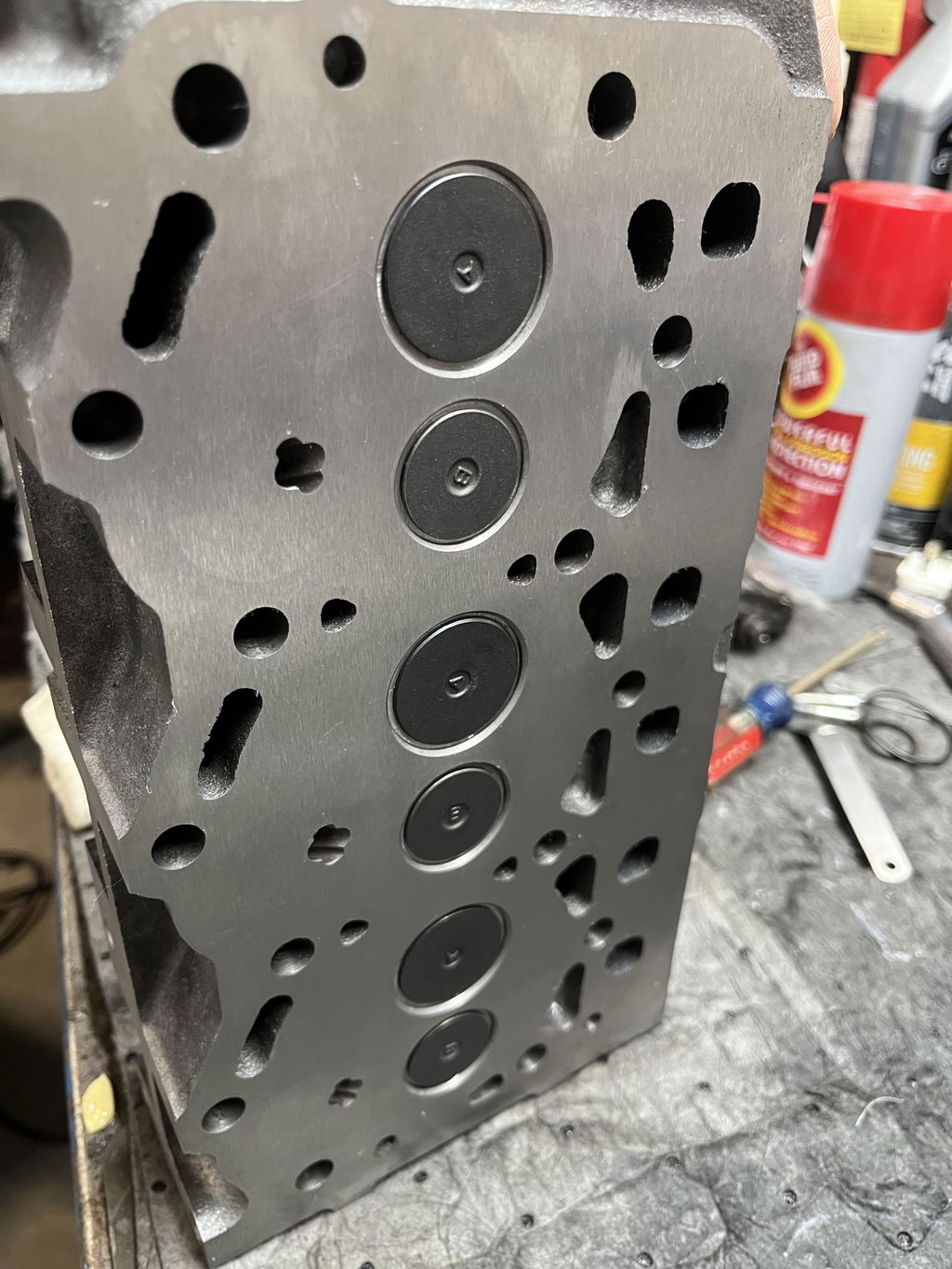
This cylinder head and gasket kit is top-notch. Easy to install, made from durable materials, and fits perfectly on my Kubota D1305 engine. Highly recommend for anyone needing a reliable replacement!
A
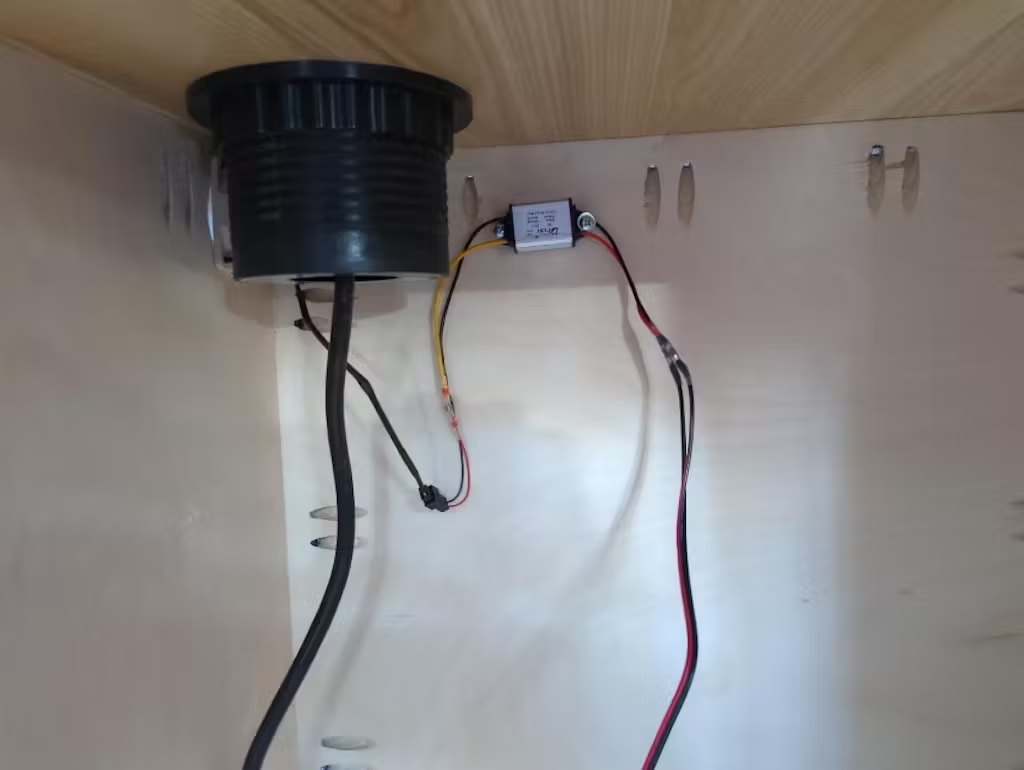
I'm using this converter in my solar setup to boost 12 Volts to 48 Volts for a POE injector that requires higher voltage. It's performing admirably, handling my current load of around 30 watts with ease. I've noticed it remains cool to the touch, which is impressive considering it's well below its power rating. So far, so good!
A
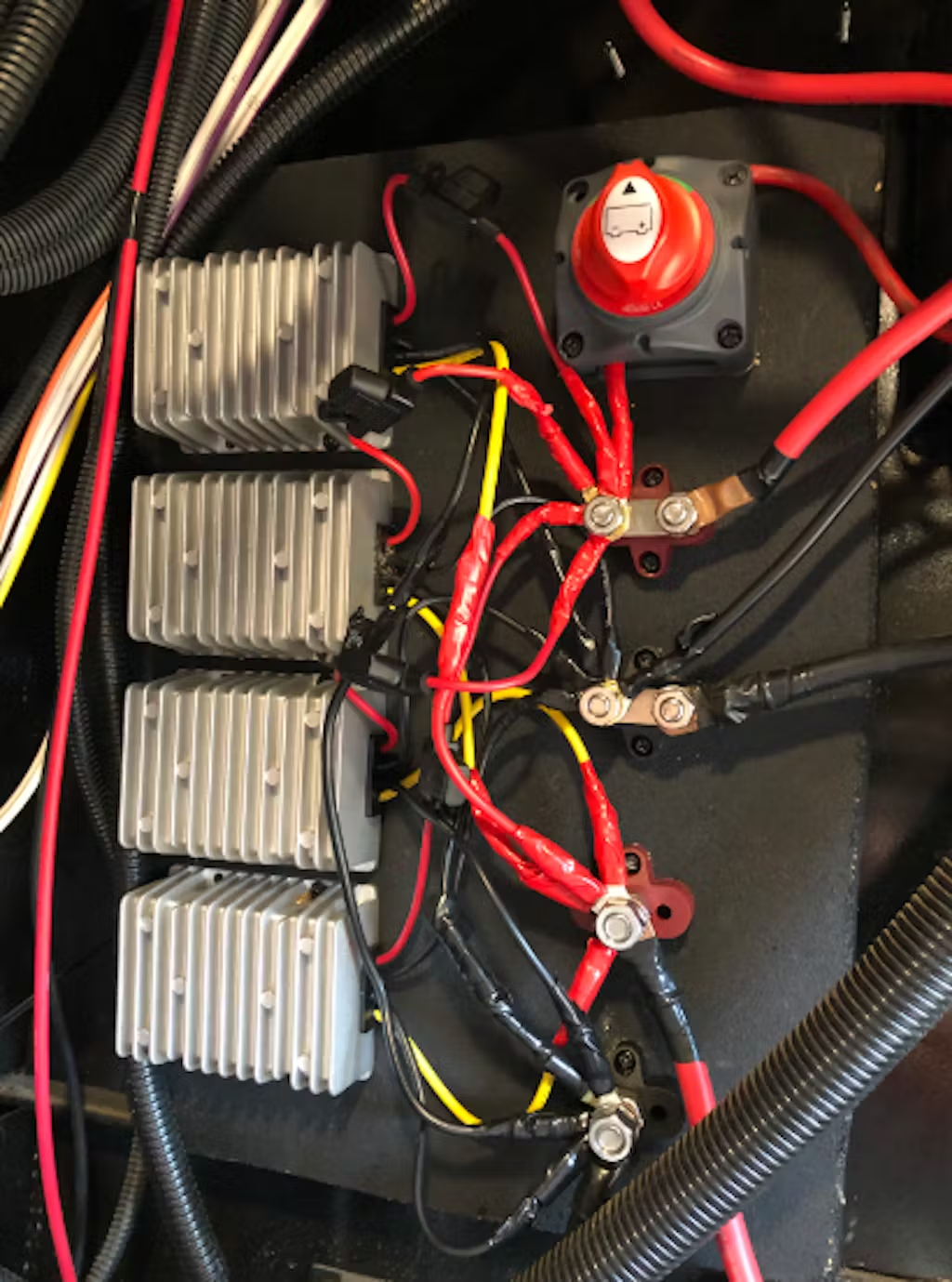
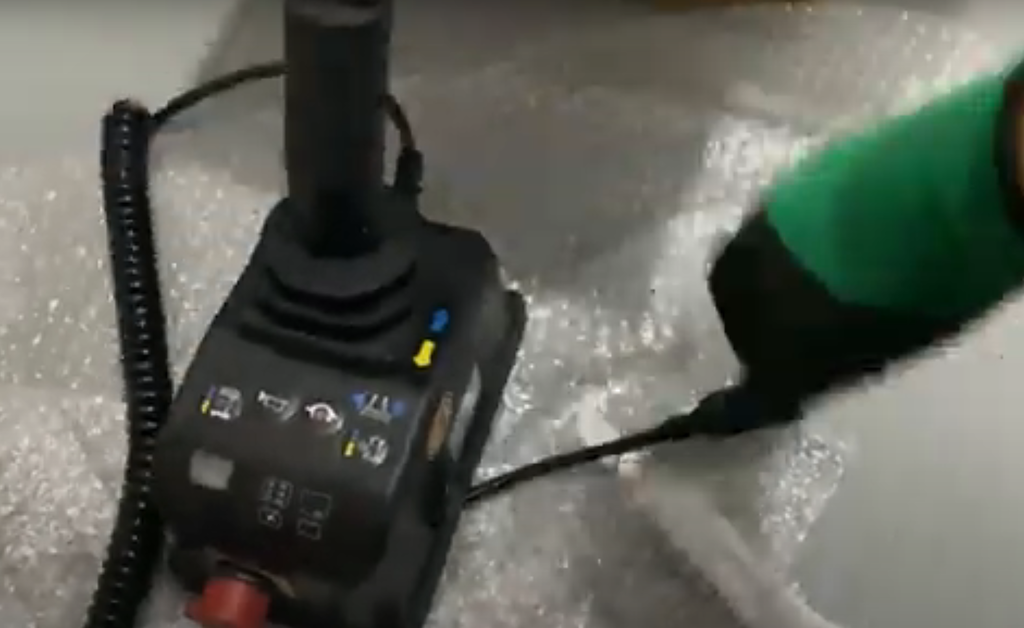
This control box for my Genie scissor lift is exactly what I needed. It's well-made, easy to install, and performs flawlessly. Great aftermarket option at a reasonable price. Thanks for the fast shipping too!
A
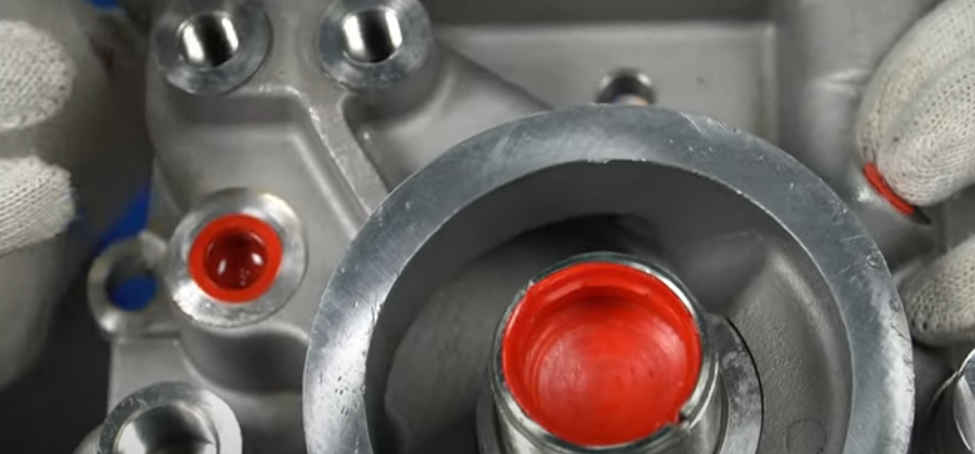
The product matched its description perfectly. It is of great quality and there have been no issues with leakage. I didn't install it myself; professionals handled the installation and mentioned it was straightforward for this type of work due to its good quality.
A
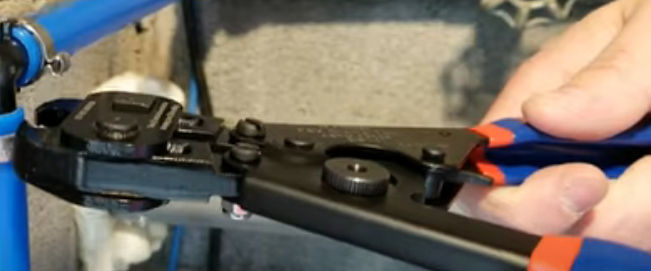
While the product doesn't have the polished finish of higher-grade tools, it performs just as well as more expensive options. Whether you're a professional or a DIY homeowner, it's a great choice that delivers excellent value for money. Thank you for the excellent service provided!
A
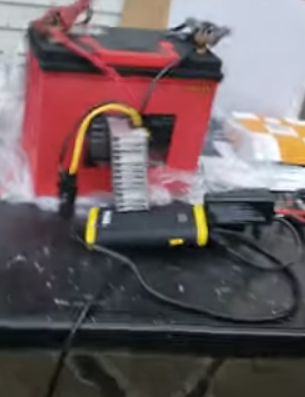
This converter is really good.
perfect for my outdoor applications. Easy to install and provides stable 36V output from a 12V source. Ideal for powering various equipment in tough conditions. Highly recommended!
A
I bought this control box for my Skyjack SJIII 3219 scissor lift and it works perfectly. Easy to install and has improved the lift's performance. Highly recommend!